Template · 5 min read
SaaS launch OG image template
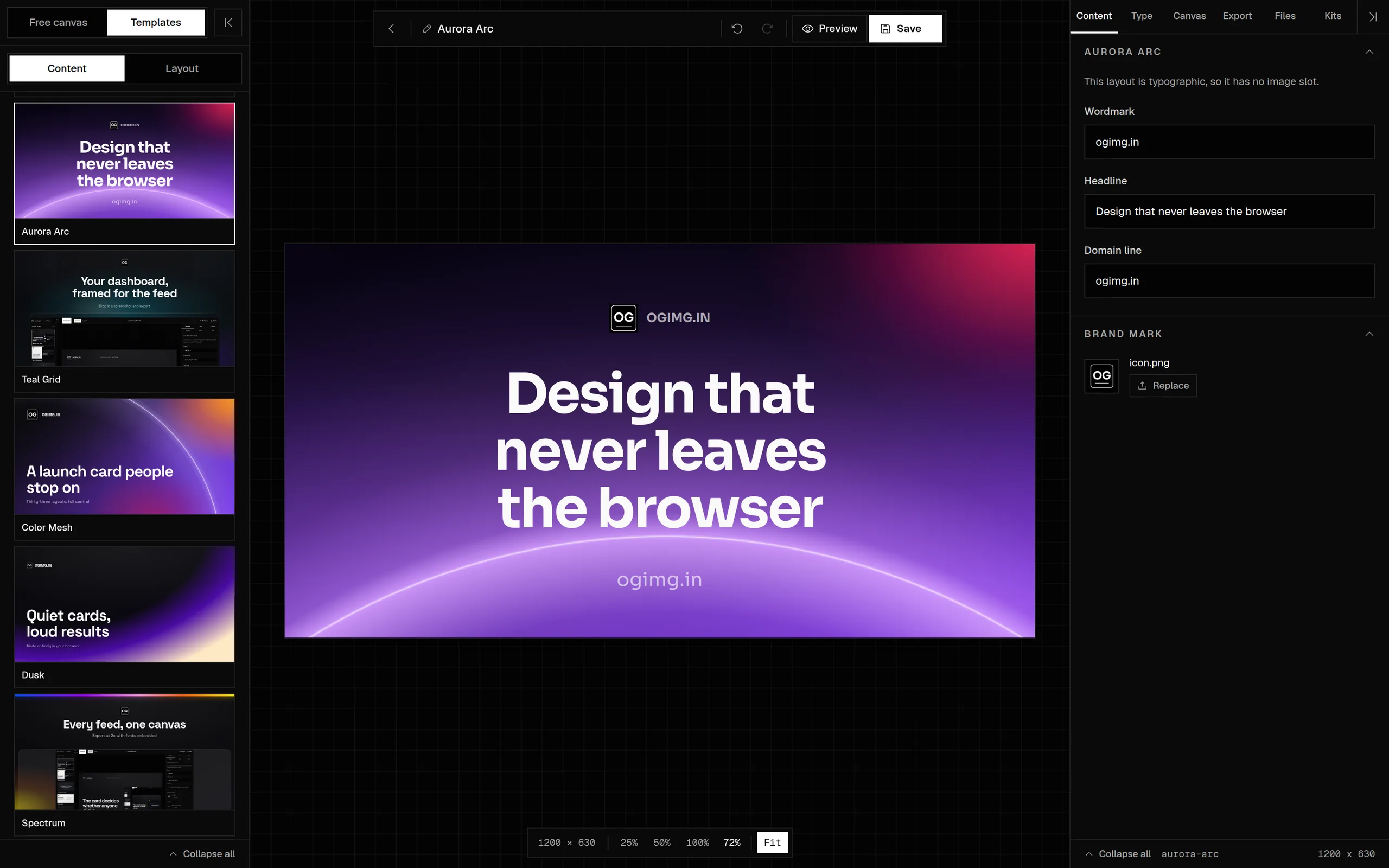
A free SaaS launch OG image template with a product screenshot, a short claim, and a brand mark. Edit it in the browser and export at 1200 x 630.
Updated
The short answer
Use a 1200 x 630 card with the outcome as the headline, a product screenshot as proof, and the product name or domain as the brand mark. Keep the claim to six to ten words and the screenshot cropped to the part that proves it. Export a JPG or PNG under 1 MB.
- Canvas
- 1200 x 630
- Safe area
- 64 px inset
- Headline
- 6-10 words
- File size
- Under 1 MB
- Cost
- Free, no account
- Editable
- In the browser
A launch card has to do two jobs at once: name the thing and show that it is real. A headline alone is a claim; a headline plus a product shot is evidence. The best launch cards keep the claim short and let the screenshot carry the detail.
Why this layout works
ogimg.in
- Addedmap CSV columns onto template fields
- Improvedtemplate gallery renders at 2x
The common failure is a full app window shrunk until every label is unreadable. Crop to the one panel that proves the claim. If the claim is about speed, show the fast path. If it is about clarity, show the clean view. A screenshot is not a diagram; it should look like the product, not explain it.
What to put on the card
- Headline: the outcome, not the feature list.
Ship previews in 90 secondsbeatsIntroducing our new preview engine. - Screenshot: a crop of the product that proves the headline. One panel, not the whole window.
- Brand mark: the product name or domain. Keep it inside the safe area.
- Label: optional.
Now in betaorv2.0adds context without competing. - Background: a solid or a restrained gradient. The screenshot should be the busiest element.
ogimg.in
Open Graph, X, LinkedIn, Product Hunt, and YouTube from one editor.
If the product is not visual, do not fake a screenshot. Use a type-led card with a concrete number or a short proof line. A generic dashboard mockup reads as filler and makes the launch look less real, not more.
Size and export
| Setting | Value | Why |
|---|---|---|
| Canvas | 1200 x 630 | The common link card |
| Headline | 72-96 px | The claim has to land at thumbnail size |
| Screenshot | One panel | A full window becomes noise |
| Format | PNG or JPG | PNG for flat UI, JPG for photographic backgrounds |
| File size | Under 1 MB | Fast loading on launch day |
How to make it yours
- 01Open the SaaS launch template.
- 02Write the outcome, not the feature name.
- 03Crop the screenshot to the panel that proves it.
- 04Set the product name and a label if the launch has a stage.
- 05Check the card at 300 px wide; the screenshot should still read.
- 06Export and copy the tags into the launch page.
Common mistakes
- Using a full-window screenshot with 11 px labels. Crop to the proof.
- Writing a feature list instead of an outcome.
- Putting the product name in the headline and the outcome in a tiny subline.
- Using a busy gradient behind the screenshot so the UI loses its edges.
Frequently asked questions
What size is a SaaS launch OG image?
1200 x 630 pixels with a 1.91:1 ratio. It works for the launch page, the announcement post, and the changelog entry.
Should a launch OG image include a screenshot?
Yes, when the product is visual and the screenshot proves the claim. Crop to one panel and make sure it is readable at thumbnail size. A full app window becomes noise.
What should the headline say?
The outcome in six to ten words. Ship previews in 90 seconds is stronger than Introducing our new preview engine, because it names the change in the reader's terms.
Can I use the same card for Product Hunt and the launch page?
Yes, if the card is 1200 x 630. Product Hunt and most launch surfaces accept a wide image. Check the specific listing's requirements before uploading.
What if the product is not visual?
Use a type-led card with a concrete number, a short proof line, or a diagram. Do not use a generic dashboard mockup; it reads as filler.
Sources and further reading
Written and maintained by GxAditya
The person who builds ogimg.in. Last updated . 5 min read.
Free, no account
Make the image, then copy the tags
Start from a template or a blank canvas. Export a 1200 x 630 PNG, JPEG, or WebP, and copy the Open Graph tags from the preview panel.