Template · 5 min read
Blog post OG image template
A free blog post OG image template at 1200 x 630. Add the headline, category, and image, then export a share-ready card from your browser.
Updated
The short answer
Use a 1200 x 630 card with a small category label, a six-to-ten-word headline, and an optional image on one side. Keep the headline readable at 300 pixels wide, put the brand mark inside the central safe area, and export a JPG or PNG under 1 MB. The blog post template below is free, editable in the browser, and does not add a watermark.
- Canvas
- 1200 x 630
- Safe area
- 64 px inset
- Headline
- 6-10 words
- File size
- Under 1 MB
- Cost
- Free, no account
- Editable
- In the browser
A blog post card has one job: earn the click from someone who has not read the article. The category tells them what kind of thing it is; the headline tells them why it matters. Everything else is decoration.
Why this layout works

Rhea Kapoor
The small label answers the context question before the headline does the persuasive work. The image gives the eye a place to land and makes the card feel finished, but the headline remains the largest element. That hierarchy is what survives a feed.
What to put on the card
- Category:
Engineering,Design,Product, or the name of the series. Two or three words at most. - Headline: the argument, not the topic.
Why our build got 40 percent fasterbeatsBuild performance update. - Image: a crop that proves the claim. A screenshot, a diagram, or a texture. If it is dense, crop tighter.
- Brand mark: the publication name or a small logo, in the same place across posts.
- Date or read time: optional. It adds context only if the post is time-sensitive.
ogimg.in
Read the announcement
If the article is text-led, try a type-only card before adding a decorative image. The absence of a picture can make the headline feel more confident. If the article is visual, use the split layout and let the screenshot carry the proof.
Size and export
| Setting | Value | Why |
|---|---|---|
| Canvas | 1200 x 630 | The common 1.91:1 link card |
| Headline | 72-96 px | Readable at thumbnail size |
| Safe area | 64 px inset | Survives a square or 2:1 crop |
| Format | JPG or WebP | Smaller files with photographic images |
| File size | Under 1 MB | Faster fetch and fewer failures |
How to make it yours
- 01Open the blog post template.
- 02Replace the category and headline with the actual article.
- 03Swap the image for a crop that supports the headline.
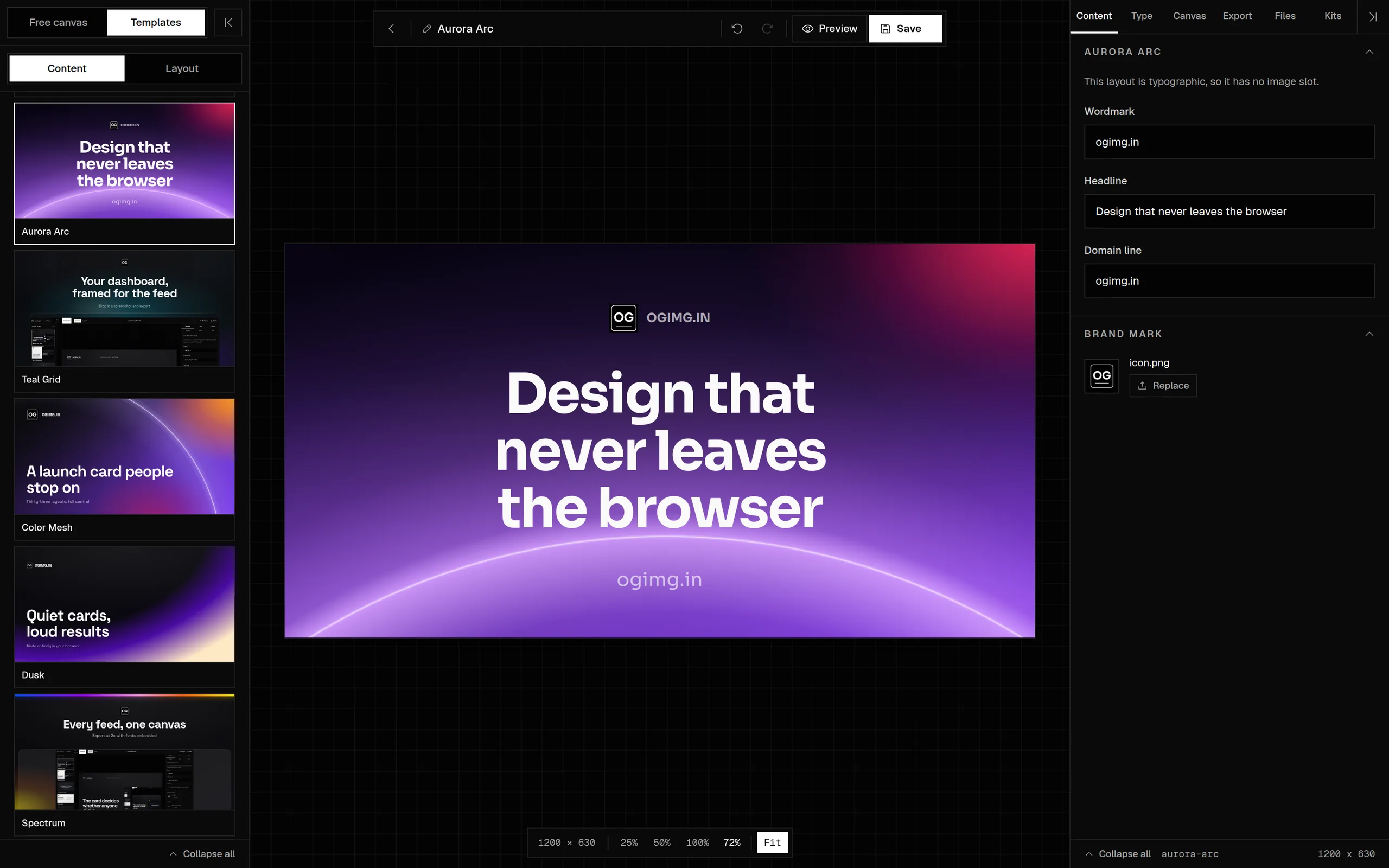
- 04Set the wordmark or domain line.
- 05Check the preview at 300 px wide and in the social preview panel.
- 06Export and copy the meta tags from the preview panel.
Common mistakes
- Using the article title as the headline when the title is a label, not an argument.
- Putting the image behind the text and losing contrast.
- Letting the category label compete with the headline.
- Forgetting to update the card when the headline changes.
Frequently asked questions
What size is a blog post OG image?
1200 x 630 pixels with a 1.91:1 ratio. It works for Facebook, LinkedIn, X, Slack, Discord, and messaging apps. Keep the headline inside the middle 80 percent.
Should a blog OG image include the article title?
Use the article's argument, not necessarily its title. A title can be a label; the card needs a reason to click. If the title is already specific and short, it can work as the headline.
Can I use the featured image as the OG image?
Only if the featured image is already a 1200 x 630 card with readable type. A square or portrait featured image will be cropped and may lose the point.
Do I need a different card for every post?
Use the same layout and brand system, but change the headline, category, and image. That keeps the series recognizable while giving each post a relevant card.
Is this template free?
Yes. It is free to edit and export, with no account and no watermark. The project is open source under the MIT license.
Sources and further reading
Written and maintained by GxAditya
The person who builds ogimg.in. Last updated . 5 min read.
Free, no account
Make the image, then copy the tags
Start from a template or a blank canvas. Export a 1200 x 630 PNG, JPEG, or WebP, and copy the Open Graph tags from the preview panel.