Consistent Open Graph metadata
Match your brand title, description, and preview image layout across every URL to reduce visual mismatch in social feeds.
Generate perfectly sized, beautiful OG images for your site from pre-existing elegant templates.
Product Results
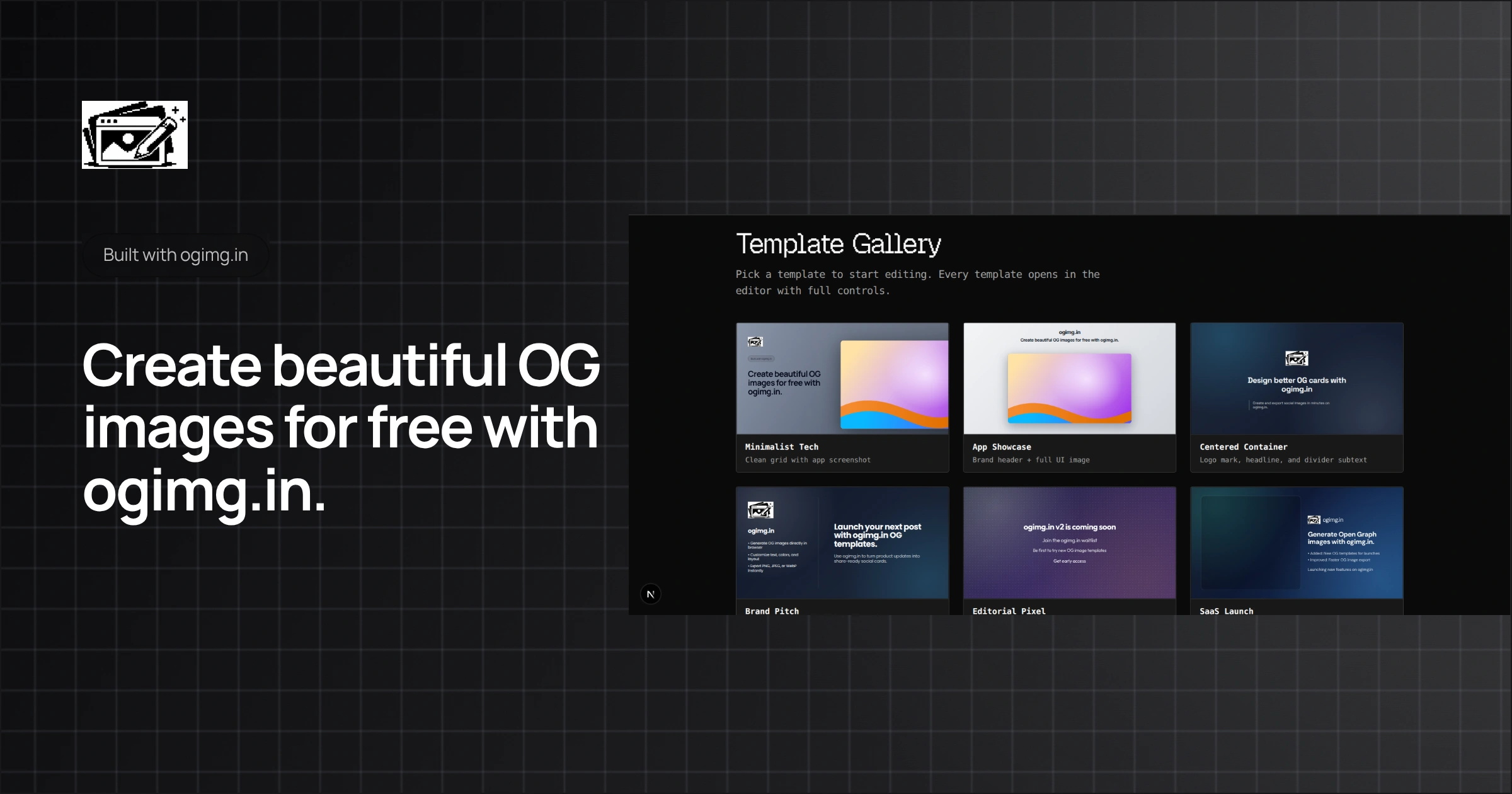
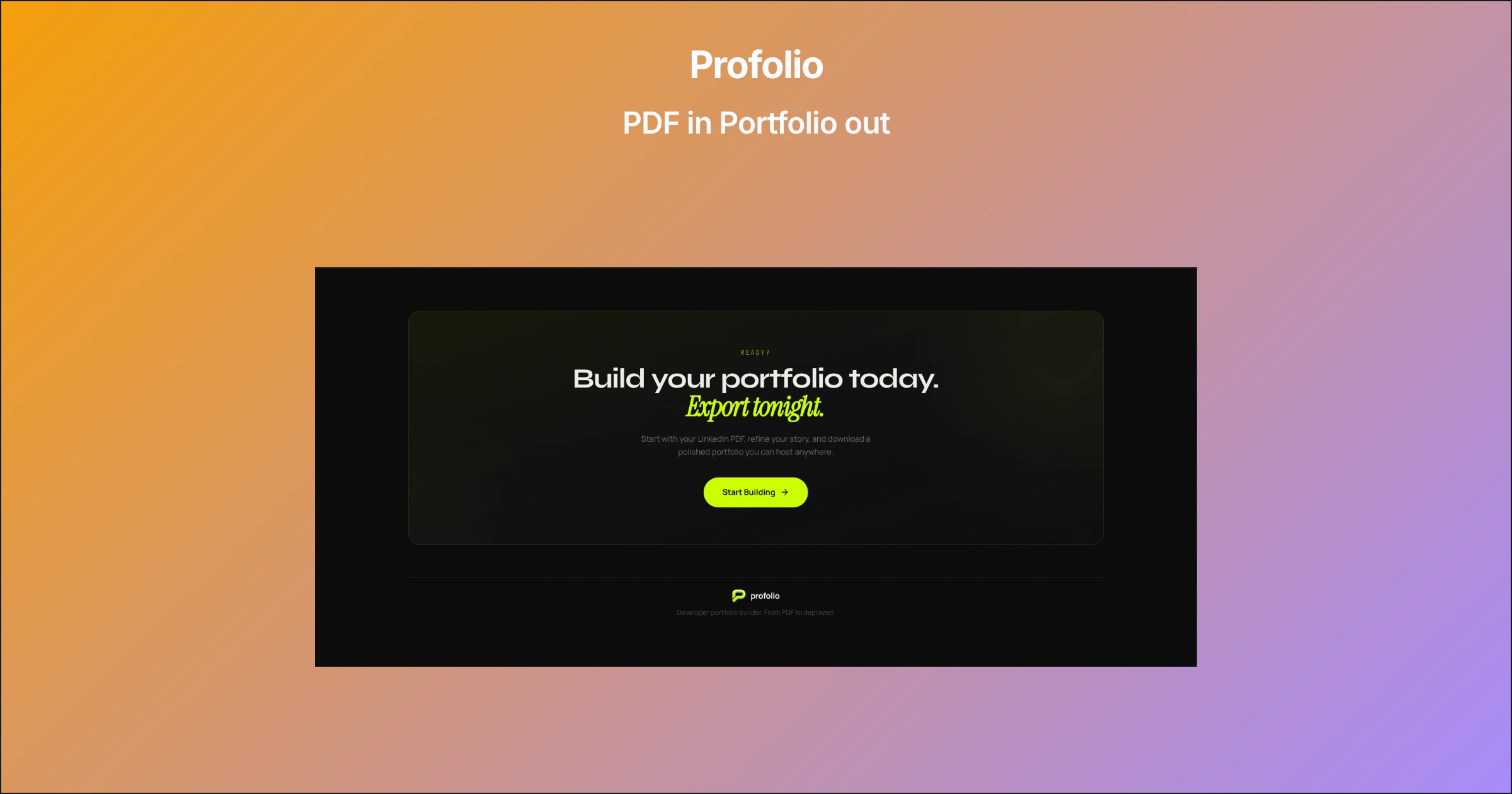
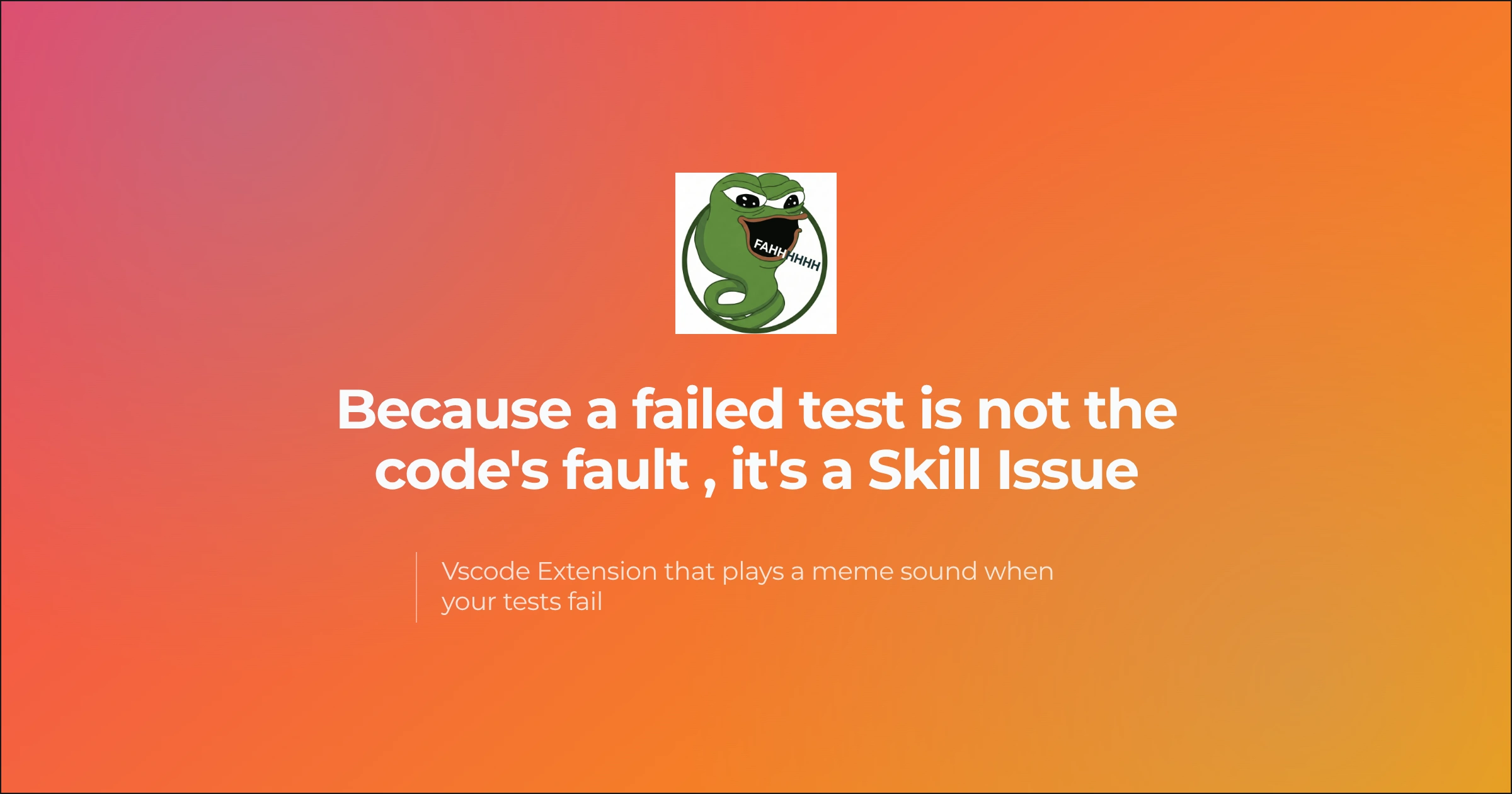

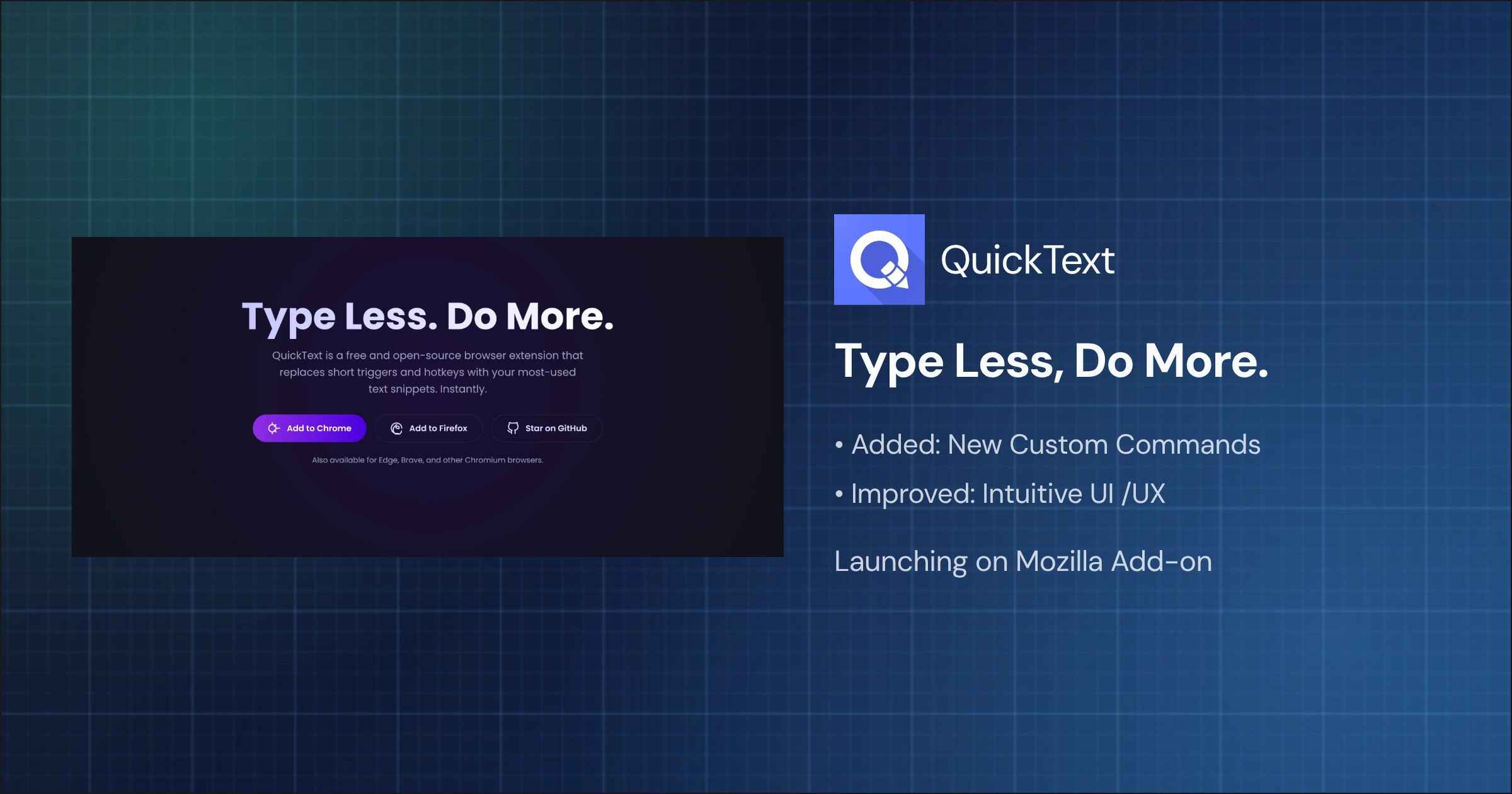
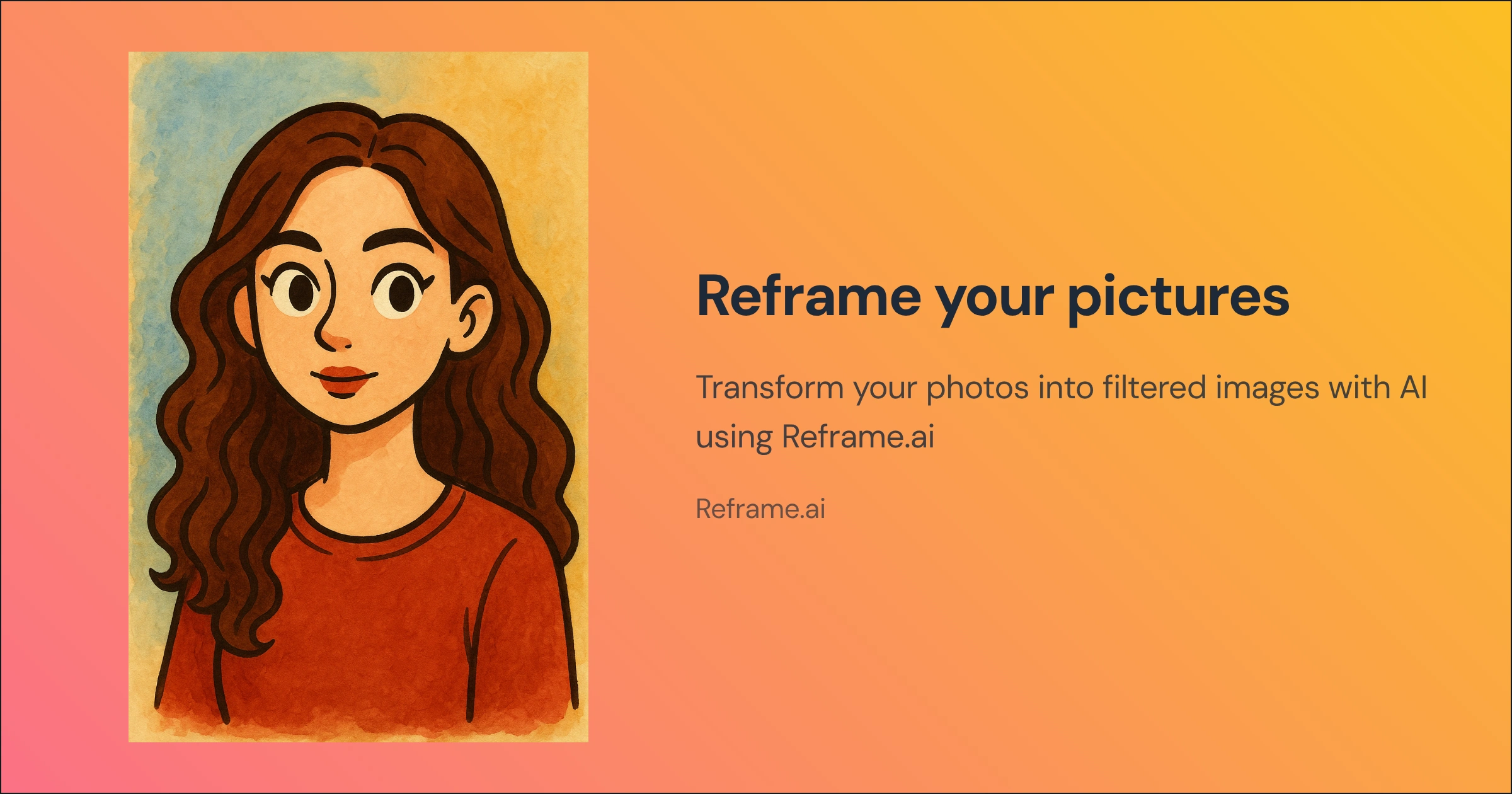

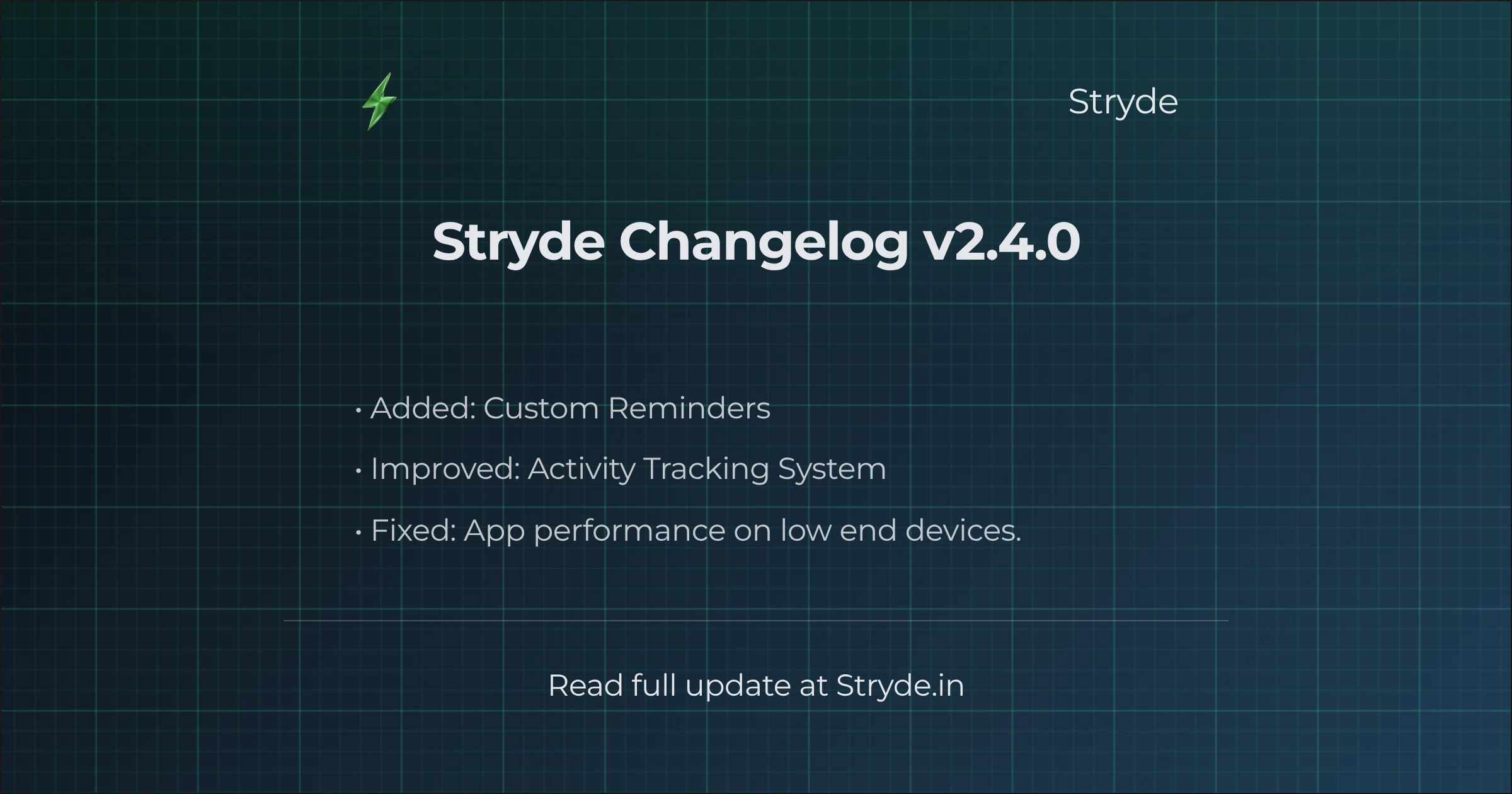
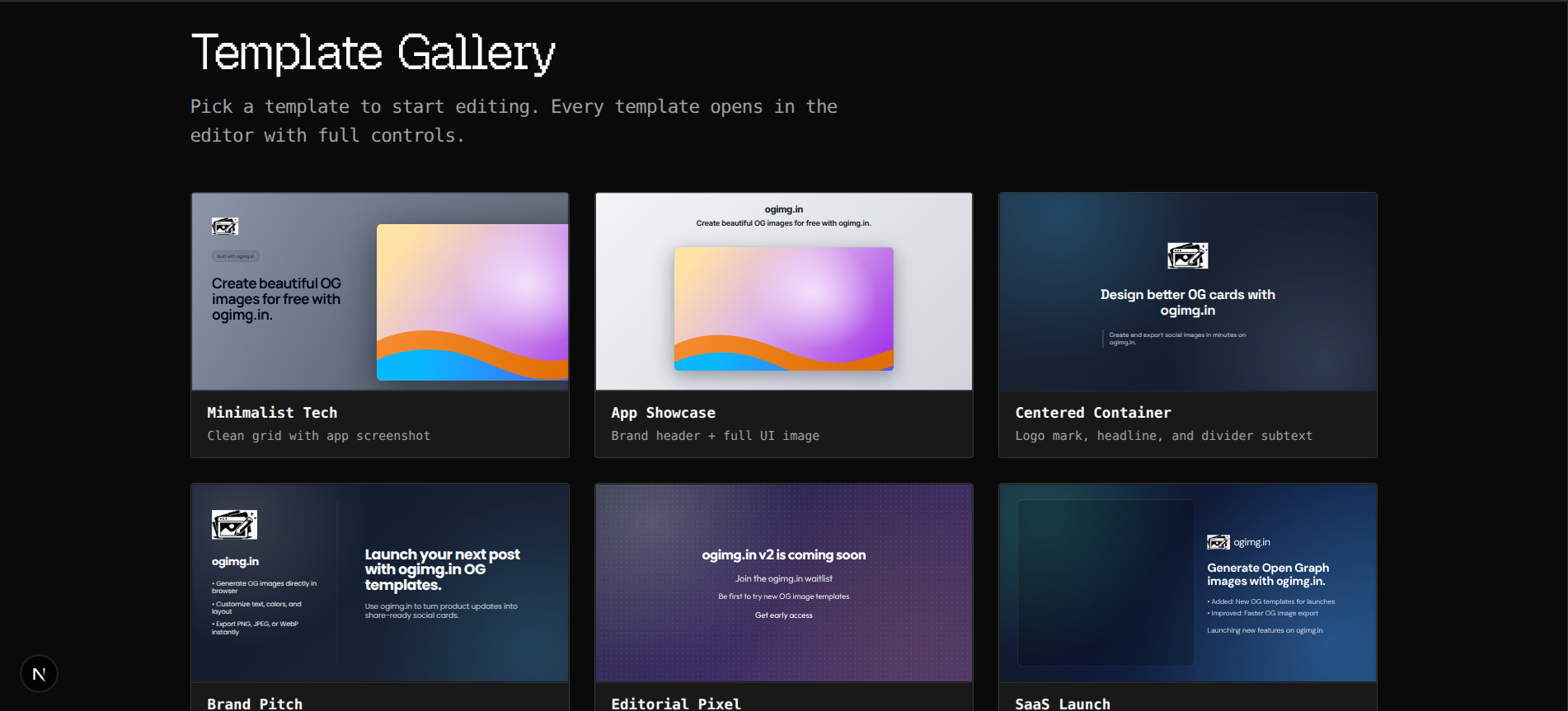
Pick a template and start editing.

ogimg.in
Create beautiful OG images for free with ogimg.in.
Create and export social images in minutes on ogimg.in.
ogimg.in
• Generate OG images directly in browser
• Customize text, colors, and layout
• Export PNG, JPEG, or WebP instantly
Use ogimg.in to turn product updates into share-ready social cards.
Join the ogimg.in waitlist
Be first to try new OG image templates
Get early access
ogimg.in
• Added: New OG templates for launches
• Improved: Faster OG image export
Launching new features on ogimg.in
Built by the ogimg.in team
ogimg.in
Hosted by the ogimg.in team
ogimg.in
ogimg.in
• Added: AI-assisted OG copy suggestions
• Improved: Faster template rendering
• Fixed: Better mobile preview exports
Read full update at ogimg.in
ogimg.in
Create beautiful OG images for free with ogimg.in.
Create and export social images in minutes on ogimg.in.
ogimg.in
• Generate OG images directly in browser
• Customize text, colors, and layout
• Export PNG, JPEG, or WebP instantly
Use ogimg.in to turn product updates into share-ready social cards.
Join the ogimg.in waitlist
Be first to try new OG image templates
Get early access
ogimg.in
• Added: New OG templates for launches
• Improved: Faster OG image export
Launching new features on ogimg.in
Built by the ogimg.in team
ogimg.in
Hosted by the ogimg.in team
ogimg.in
ogimg.in
• Added: AI-assisted OG copy suggestions
• Improved: Faster template rendering
• Fixed: Better mobile preview exports
Read full update at ogimg.in
Build Open Graph images that improve click-through rate on X, LinkedIn, Discord, and search result shares. ogimg.in helps you ship consistent, crawl-friendly metadata visuals in minutes.
Match your brand title, description, and preview image layout across every URL to reduce visual mismatch in social feeds.
Generate PNG, JPEG, or WebP in-browser, then plug into `og:image` and `twitter:image` tags without waiting for design handoffs.
Better headline hierarchy, contrast, and template consistency improve preview quality and can increase social CTR for launches and blog posts.
Just three simple steps to beautiful metadata.
Browse our carefully curated gallery of designs tailored for high CTR.
Add your copy, change the badge, upload your company logo seamlessly.
Grab your PNG or JPG file instantly. Attach it to your head tags and you run!
Changelog
Shipped changes grouped the way release notes should read: what's new, what improved, and what got fixed.
v1.5.0
Preset expansion and changelog refresh.
March 11, 2026
v1.4.0
Editor flow and export reliability update.
March 3, 2026
Ready to publish your next OG image?
Open the gallery, pick a template, and export in under 60 seconds.