Template · 5 min read
LinkedIn OG image template
A free LinkedIn link preview template at 1200 x 627. Add a short headline and brand mark, then export a card that survives LinkedIn's shared link layout.
Updated
The short answer
LinkedIn recommends 1200 x 627 pixels for shared link previews, a 1.91:1 ratio. Keep the headline to six to ten words inside the central safe area, put the brand mark in the same place as your other cards, and export a PNG or JPG under 1 MB.
- Canvas
- 1200 x 627
- Safe area
- 64 px inset
- Headline
- 6-10 words
- File size
- Under 1 MB
- Cost
- Free, no account
- Editable
- In the browser
LinkedIn often places the preview image beside the post copy rather than above it, so the card has less room than it does on Facebook. That makes hierarchy more important, not less: the headline has to be readable at a glance and the brand has to be recognizable without a second look.
Why this layout works
Rescales to X, LinkedIn, YouTube, and stories without redoing the layout.
LinkedIn is a professional feed, so the card can be quieter than a consumer social card. A short claim, a clear brand mark, and a restrained background often outperform a busy illustration. If the post is a job listing or a report, name the specific role or finding; do not use a generic corporate gradient.
What to put on the card
- Headline: the finding, the role, or the argument. Six to ten words.
- Brand mark: the company or publication name, inside the safe area.
- Label: optional.
Report,Hiring, orWebinargives context quickly. - Visual: a chart, a product shot, or nothing. Do not add a stock photo that says nothing.
- Contrast: dark type on light or light type on dark. LinkedIn feeds are often bright.
Drop in a screenshot and export
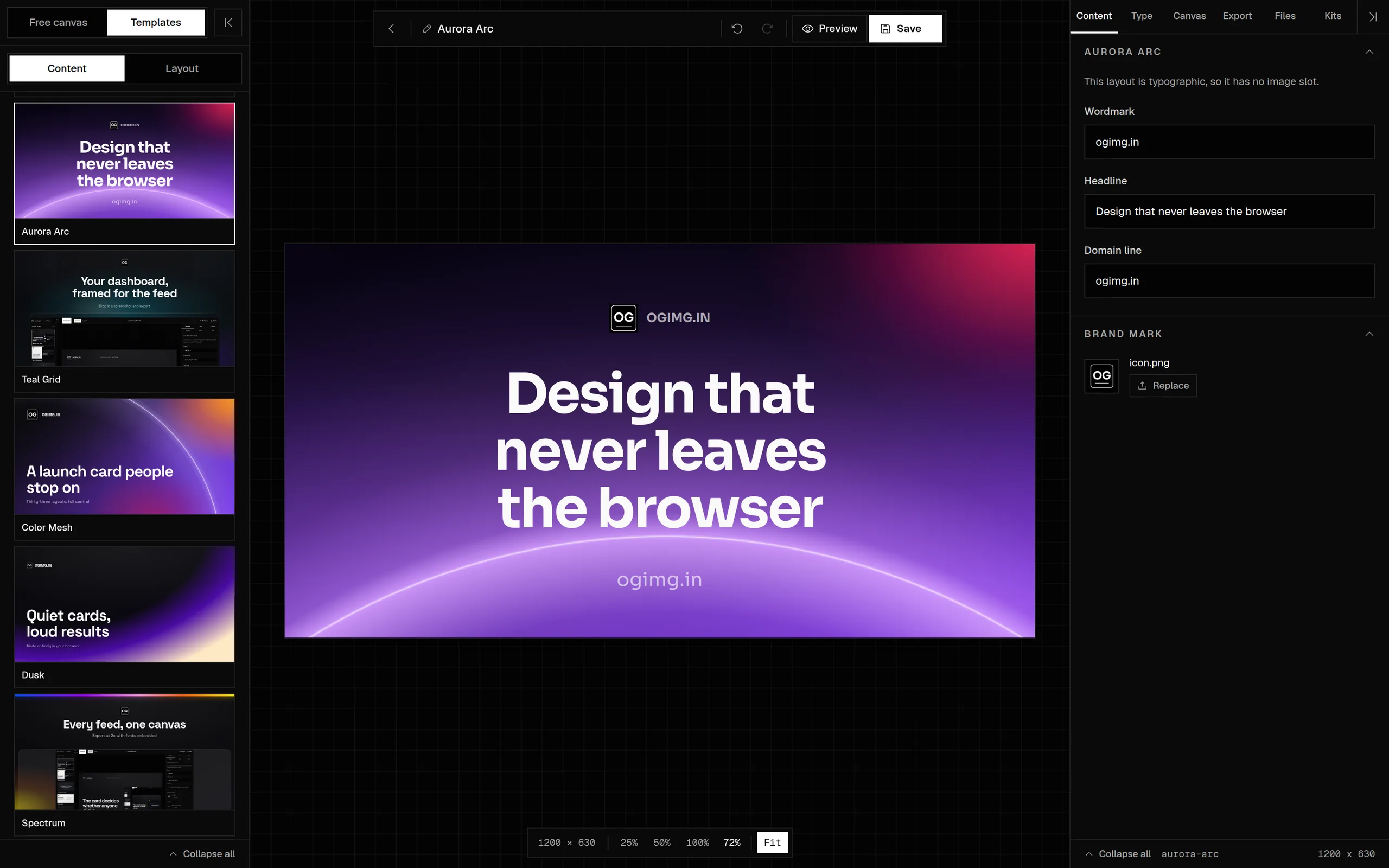
LinkedIn's shared link card can show the image at a smaller width than X or Facebook, depending on the placement. Test the card at 300 px wide and make sure the headline is still legible. If it is not, cut words before shrinking the type.
Size and export
| Setting | Value | Why |
|---|---|---|
| Canvas | 1200 x 627 | LinkedIn's recommended shared-link size |
| Headline | 72-92 px | Readable in a smaller side-by-side preview |
| Safe area | 64 px inset | Survives the container crop |
| Format | PNG or JPG | PNG for flat colour, JPG for photos |
| File size | Under 1 MB | Fast loading in the feed |
How to make it yours
- 01Open a template and set the canvas to 1200 x 627.
- 02Write the finding, role, or argument in six to ten words.
- 03Set the brand mark and an optional label.
- 04Check the card at 300 px wide.
- 05Export and add the image to the shared page.
- 06Inspect the URL with the LinkedIn Post Inspector.
Common mistakes
- Using a square image that LinkedIn crops into a wide slot.
- Putting the company name in the headline and the idea in a subline.
- Using a stock photo that adds no information.
- Forgetting to refresh the preview with the Post Inspector after a change.
Frequently asked questions
What size is a LinkedIn OG image?
LinkedIn recommends 1200 x 627 pixels for shared link previews, a 1.91:1 ratio. A 1200 x 630 Open Graph image is close enough and works in practice.
Does LinkedIn use og:image or twitter:image?
LinkedIn reads Open Graph tags, primarily og:image, og:title, and og:description. It does not rely on twitter:image.
Why is my LinkedIn preview image cropped?
LinkedIn uses its own container and may show the image beside the post copy. Keep the headline and brand mark inside the middle 80 percent and at least 64 pixels from the edges.
How do I refresh a LinkedIn preview?
Use the LinkedIn Post Inspector with the page URL. If the old image persists, change the image filename and update og:image, then inspect again.
Should a LinkedIn card use a stock photo?
Only if the photo adds information. A generic stock image makes the card look like an ad. A chart, a product shot, or a type-only layout is usually stronger.
Sources and further reading
Written and maintained by GxAditya
The person who builds ogimg.in. Last updated . 5 min read.
Free, no account
Make the image, then copy the tags
Start from a template or a blank canvas. Export a 1200 x 630 PNG, JPEG, or WebP, and copy the Open Graph tags from the preview panel.